is there really no way to have an isolated staging database
Yes, you can have an isolated staging database, because the cluster is yours and it is plain Kubernetes. The platform does not give you a "staging toggle" but nothing stops a second Helm release in a separate namespace with its own Postgres instance.
Last updated
Yes, you can have an isolated staging database. The platform does not offer a button labelled "create staging environment" and there is no built-in concept of promoting a database from staging to production. But the cluster is yours, it is K3s, and the app is a Helm release in a namespace. That means the standard Kubernetes answer works here: deploy a second release into a separate namespace, give it its own Postgres, and point your staging build at it. The isolation is real because the namespace boundary in Kubernetes is real, and the database is a separate pod with its own persistent volume.
Why isn't there a staging button?
The platform's build types are demo, delivery, and product. A demo has no database at all. Memory only, gone on restart. Delivery and product both get a real database, provisioned as part of the Helm release. There is no type called "staging" and no workflow that says "build it here, then copy the database there." The platform's job is to take a description, build a real app, and land it on your cluster. What you do with the cluster after that, adding namespaces, running a second release, standing up a parallel database, is Kubernetes work, and the cluster is yours to do it in.
This is the trade-off of owning the runtime. A hosted builder can offer a staging toggle because they control every environment and can snapshot a database on demand. Here, you control the environment, so you get the isolation the same way any Kubernetes user does: separate namespace, separate release, separate Postgres. Nobody at the platform has to build that feature for you because Kubernetes already has it.
How do you actually set one up?
Your app deploys as a Helm release into a namespace that belongs to your account. To create a staging database, deploy a second instance of the same chart into a different namespace. If your production app lives in namespace-prod and answers on myapp.user.my-app.engineer, a staging release can live in namespace-staging and answer on myapp-staging.user.my-app.engineer. Each release gets its own database pod with its own persistent volume claim, so writes to staging do not touch production data and vice versa.
If you want staging to start from a copy of production data, that is a database operation, not a platform feature. You would take a dump from the production Postgres pod and restore it into the staging one, or use Velero, which is available as a one-click cluster tool, to restore a backup into a different namespace. The material does not describe an automated copy pipeline between environments, so do not expect one. Expect to run the same pg_dump and pg_restore commands you would run on any Postgres instance.
What about schema migrations between the two?
Because the source is a real repository and the deploy pipeline runs helm upgrade --atomic on push, a schema migration that works in staging is just a commit you have not pushed to production yet. You push to the staging branch, the pipeline rebuilds only the changed services, and the release rolls out with zero downtime. If the migration fails its health checks, the release rolls back. You verify in the real browser through QA, and when you are satisfied, you push the same commit to production.
One thing to keep in mind from a real failure on this platform: a major Postgres version bump crash-looped a database because Postgres does not upgrade its data directory across major versions on start. The database is pinned to its major version, and a major upgrade is a deliberate migration, never a tag change. If your staging database is on Postgres 15 and production is on 16, you have two different environments, not a staging copy of production. Keep them on the same major version or the staging test tells you nothing about what production will do.
Where does the app actually run?
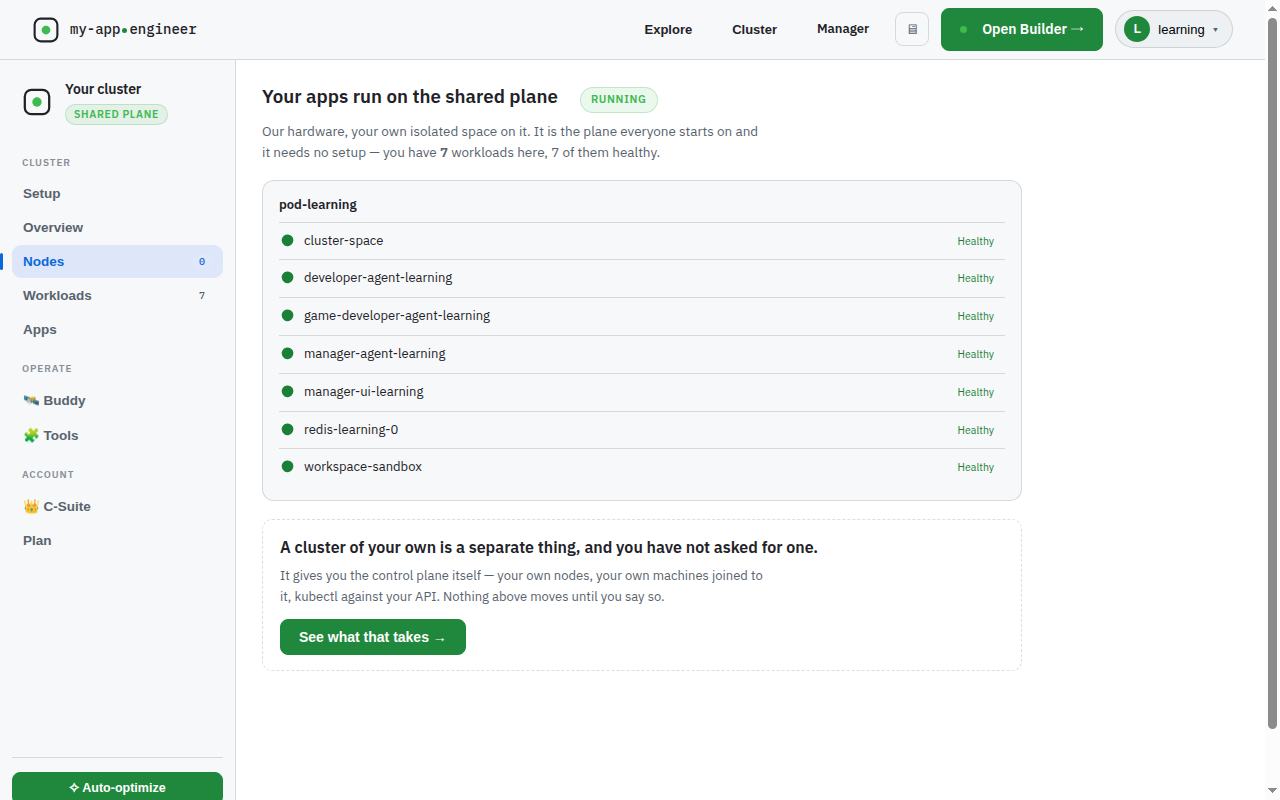
The app runs on K3s in your own cluster. You can see every node, its status, and its version in the node list, including machines joined from home over a private network. The database is a pod on that cluster, not a managed service in somebody else's cloud.
my-app.engineer deploys your app as a Helm release with its own Postgres into a namespace you own. To get an isolated staging database, deploy a second release into a second namespace. The platform does not wrap that in a one-click control because it does not need to. The cluster is yours, and Kubernetes already knows how to do this.