Which hosting do you choose for your SaaS?
The hosting that lets you leave without rebuilding is the one worth choosing: your app on Kubernetes in a cluster you own, deployed as a Helm release, running on nodes you control.
Last updated
The hosting that lets you leave without rebuilding is the one worth choosing. Every app built on my-app.engineer lands on a K3s cluster that belongs to your account, deployed as a Helm release, running on nodes you control. The source is a real repository, not a proprietary format, not a visual builder's export, an application you could run anywhere Docker runs.
Most AI app builders build the app and host it for you, so leaving means starting again. Here the cluster is yours from the first deploy. That is the difference worth checking rather than believing.
What does "owning your hosting" actually mean here?
The app runs on K3s, in a namespace that belongs to the account, deployed as a Helm release. Nothing about the runtime is invented: Kubernetes, Helm, Postgres, Docker. Somebody who knows those knows this.
The address an app answers on is <app>.<user>.my-app.engineer. A custom domain can be pointed at it afterwards. The routing layer handles the certificate. You are not stuck on a platform subdomain.
When you push to the repository, the pipeline works out which services changed by comparing paths against the previous commit. Only those images are rebuilt, pushed, and rolled out with helm upgrade --atomic, which is a zero-downtime rolling update on K3s. A release that fails its health checks rolls back rather than half-landing.
Can I use my own hardware to cut hosting costs?
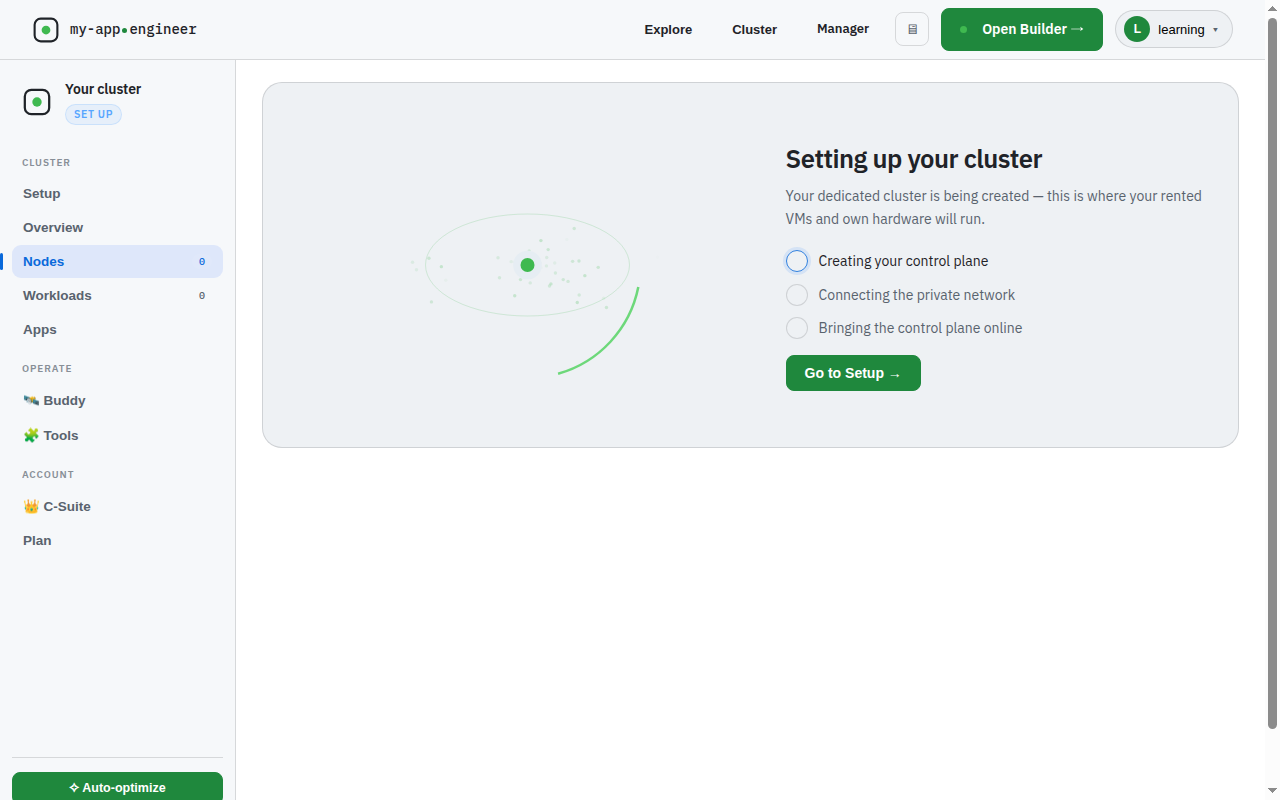
Yes. You can join your own hardware to the cluster. A machine at home becomes a node in the cluster over a private network, and pods schedule onto it like any other node. That is the bring-your-own-node path, and it is what makes the running cost of an app approach zero.
The node list shows your joined machines alongside any platform-provided nodes, and Kubernetes treats them identically for scheduling. You do not configure anything special for pods to land on your hardware. The scheduler handles it.
If you want to go deeper on the mechanics of that, /learn/ai-app-builder-self-hosted-kubernetes-tutorial covers the cluster setup in detail.
What hosting problems have actually happened?
Storage replicas starved etcd. Longhorn was configured with multiple replicas on what was a single node. The replication traffic and disk contention starved etcd until the control plane crash-looped and the cluster stopped responding. The fix is a rule rather than a setting: on a single node, one replica. Redundancy across replicas of the same disk is not redundancy, it is load.
A major Postgres bump crash-looped a database. An image tag moved from Postgres 15 to 16. Postgres does not upgrade its data directory across a major version on start, so the container came up, refused the existing data, and restarted forever. The database is now pinned to its major version, and a major upgrade is a deliberate migration, never a tag change.
These are the incidents worth knowing about because they are the ones that actually happened here, not general advice about reliability.
When is this the wrong hosting choice?
If you want a landing page and never want to see infrastructure again, a hosted builder is a better fit, and this will feel like more machinery than the job needs. The ownership model only pays off when you care about the runtime, the cost, or the ability to leave.
The build type you choose before the first line is written also decides what the hosting needs to support. A demo build has no payments and memory only. It is done when deployed. A delivery or product build has a real database and payments, and those reach into every part of the app. A demo that later needs to take money is not upgraded in place. It is rebuilt as the type it should have been. If you are not sure which you need, /learn/how-to-build-an-app-with-ai-agents walks through the choice.
my-app.engineer handles hosting by deploying your app to a K3s cluster you own, with the option to bring your own nodes, custom domains, and a catalogue of cluster tools like MinIO for storage, Velero for backups, and Falco for runtime security. The cluster is yours from the first deploy, and the source is a repository you can take anywhere Docker runs.